


HubSpot is changing.
And not just in the usual "here's another new feature you'll probably discover six months from now" kind of way.
The platform is increasingly positioning itself around AI agents, automated work, outcomes and usage-based credits.
Which raises an interesting question.
If AI is starting to do some of the work inside HubSpot, should businesses still be paying for the same number of human user seats?
Well, HubSpot has just made that question a little more practical.
As part of its October 2026 pricing updates, HubSpot introduced the ability to swap eligible, unassigned user seats for HubSpot Credits, or exchange them for different seat types.
Without having to wait for your contract renewal or contact your account manager.
That could be genuinely useful.
But before everyone starts turning unused Sales seats into AI credits, there are a few things worth understanding.
Because a seat, a permission set and a credit are three different things.
And getting them confused could become a fairly expensive mistake.
First, what exactly has HubSpot changed?
On 15 October 2026, HubSpot announced a series of changes to how customers manage AI spending.
The important updates include:
Seat-to-credit swapping: Exchange eligible unassigned seats for HubSpot Credits.
Seat-type swapping: Exchange unused seats for a different seat type, subject to your available subscriptions and the cost difference.
More flexible credit purchasing: Additional capacity packs or pay-as-you-go overages, depending on your account configuration.
Spending controls: Set monthly credit limits at account, feature and, for supported tools, individual-action levels.
Greater usage visibility: Review where credits are being consumed and whether the activity is worthwhile.
Previously, reducing the number of paid seats generally meant dealing with renewal timing and subscription commitments.
Now, eligible businesses can redirect the value of unused seats toward other capabilities inside HubSpot during their subscription term.
It doesn't mean you can freely convert every seat into credits and back whenever you feel like it.
It's a one-way exchange when you're converting seats into credits.
And that distinction matters.
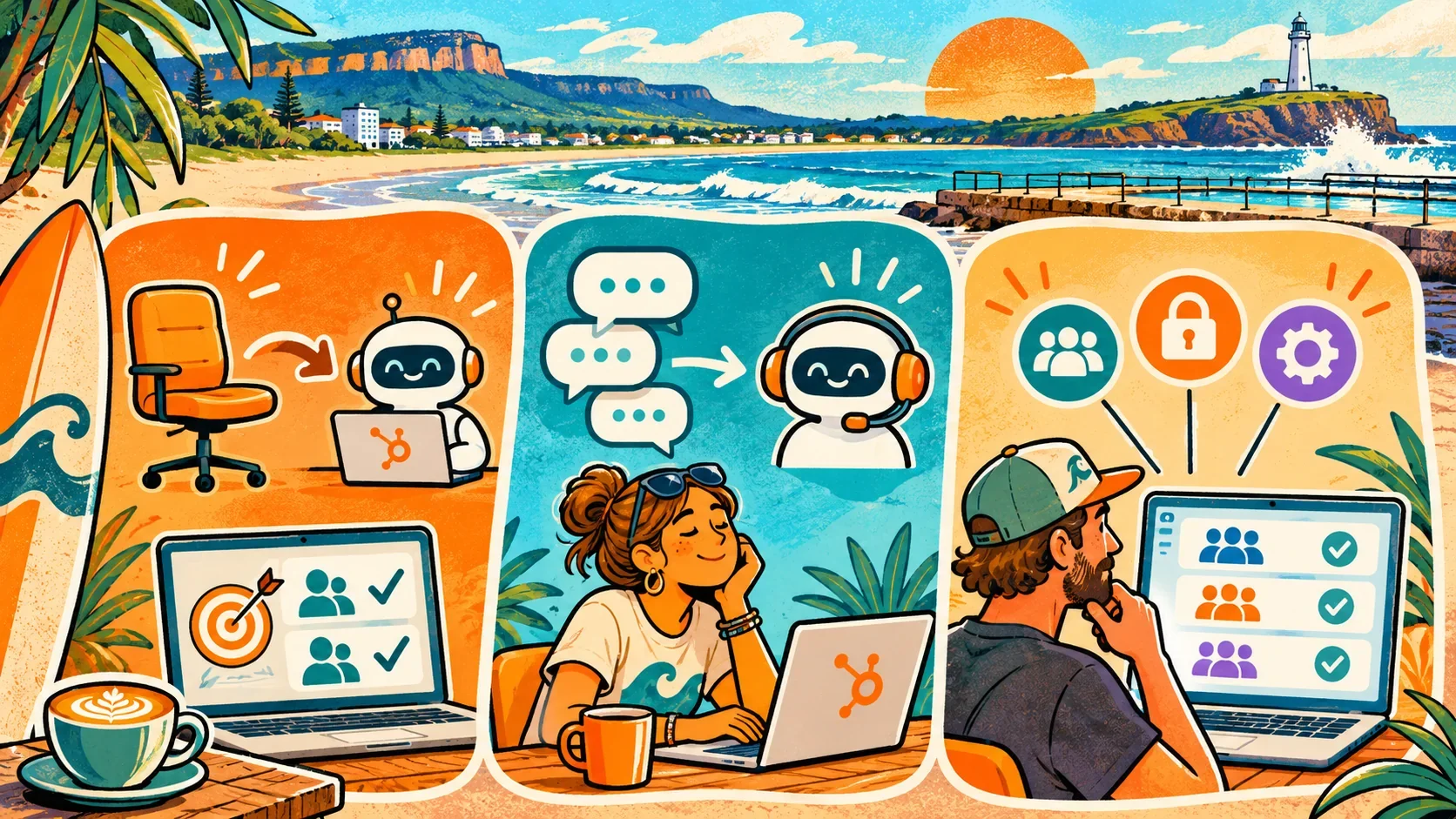
Seats, permissions and credits. What's the difference?
This is probably the most important thing to understand before touching anything.
HubSpot seats: Who gets access to the tools?
Seats determine which subscription features a person can use.
Depending on your HubSpot subscription, you might have Core, Sales, Service or Revenue seats.
There's also View-Only access, allowing people to see information without the same editing and operational capabilities.
For example:
A salesperson might need a Sales seat to use the relevant Sales Hub Professional functionality.
A manager who only needs to look at reports might be perfectly comfortable with View-Only access.
Someone responsible for maintaining the CRM might need a Core seat, depending on the tools involved.
Those are different requirements.
They shouldn't automatically receive the same seat just because they work for the same business.
Permissions: What can that person actually do?
Permissions determine which actions someone is allowed to perform within the access their seat and subscriptions provide.
Can they export contacts?
Edit workflows?
Delete records?
Change pipelines?
Modify reporting?
Access sensitive CRM properties?
Manage the AI tools being introduced into the account?
A person having a paid seat doesn't mean they should automatically receive broad access.
And changing their seat type doesn't automatically redesign their permission set.
This is why seat allocation and permission governance should be considered together.
HubSpot Credits: What usage-based work is being performed?
HubSpot Credits support certain usage-based platform features, including AI-driven capabilities.
Examples include:
Breeze Customer Agent resolving customer conversations.
Prospecting Agent researching and recommending relevant leads.
Data Agent performing supported data-related actions.
Certain data sync and other credit-consuming activities.
Exactly which tools require credits, how many they consume and which subscription tiers support them depends on the feature.
The distinction is fairly straightforward:
Seats give people access. Permissions control what they can do. Credits pay for certain actions or outcomes performed by the platform.
And increasingly, businesses need to manage all three together.
When would swapping a HubSpot seat for credits actually make sense?
Let's look at some practical examples.
Not theoretical AI transformation nonsense.
Actual situations where a business might reasonably want to redirect its HubSpot spending.
Example 1: Your sales team has changed
Imagine a growing professional services business in Wollongong.
It purchased several Sales seats during a period of expansion.
Since then, the team has changed.
Some employees have moved into different roles. Others have left. A few roles no longer need the advanced sales features originally purchased.
The business now has two unassigned Sales seats sitting there.
At the same time, it wants to experiment with AI-assisted prospecting.
Rather than continuing to pay for seats that nobody is using, the business could investigate swapping some of that unused seat value into HubSpot Credits.
Those credits could help support a Prospecting Agent pilot.
But I'd want to understand a few things first.
Is the sales process properly defined?
Are the target customer profiles agreed?
Does the CRM contain reliable company and contact data?
And what exactly should the agent consider a worthwhile lead?
Because funding an AI agent is one thing.
Giving it a decent understanding of your business is another.
Example 2: A customer service team is handling repetitive enquiries
Think about an Illawarra-based retailer or service business.
The team spends a significant amount of time answering the same questions.
Opening hours.
Order status.
Delivery information.
Booking policies.
Basic account questions.
HubSpot's Customer Agent can use approved content and customer context to answer supported enquiries and escalate more complex situations to a person.
Suppose the business has an unused paid seat and wants to test whether an AI agent can reduce repetitive support work.
Redirecting that unused seat value into credits might help fund the pilot.
The important measurement isn't simply how many conversations the agent touches.
I'd want to know:
How many conversations were genuinely resolved?
How much staff time was saved?
Did customer satisfaction improve or decline?
What did each useful resolution cost?
How often did somebody still need to intervene?
HubSpot's April 2026 outcome-based pricing announcement listed Customer Agent at 50 credits per resolved conversation.
At that rate, 40 resolved conversations would consume 2,000 credits.
That's an illustrative usage calculation, not a price quote for your particular account. Rates and entitlements should always be checked before implementation.
The point is to connect credit usage with a meaningful result.
Not simply spend credits because they're available.
Example 3: A business wants to test AI before hiring or expanding software
Maybe you've got a small operations team.
They're struggling with data administration, repetitive CRM work or researching potential customers.
You have an unused paid seat, but you're not ready to commit to additional AI spending.
A seat-to-credit swap might create room to test an eligible AI capability using spending you're already committed to.
That could be useful.
But I wouldn't immediately recommend exchanging every spare seat.
Start with a specific use case.
Define the outcome.
Estimate credit usage.
Set a spending limit.
Run a small pilot.
Then decide whether to expand.
It's the same principle I covered in Where Should a Wollongong Business Actually Start With AI?.
Start with the problem, not the tool.
Example 4: You've been paying for the wrong seat types
Here's a less exciting opportunity, but potentially an equally valuable one.
A company has been purchasing seats over several years.
Nobody has really reviewed the assignments.
Some staff have specialist seats they no longer require, while other teams need access to different functionality.
HubSpot now allows eligible unassigned seats to be exchanged for other seat types, with any difference in value handled through the swap process.
You may be able to rebalance the subscription rather than simply buying additional seats.
And if some value remains after an eligible exchange, HubSpot's process can direct that remainder towards credits.
That means the first opportunity might not involve AI at all.
It might simply be getting the human access model right.
A few catches before you start swapping seats
This is where I'd slow things down a little.
1. The seats must be unassigned and eligible
You can't just swap an occupied Sales seat without first considering the user who relies on it.
Review the person's actual requirements, update their seat assignment if appropriate, and confirm that the seat is available for swapping.
HubSpot requires Super Admin access for the swap itself.
Availability also depends on your account's subscription and seat-based pricing model.
2. Credits can't be swapped back for seats
This is important.
HubSpot's seat-swap documentation explicitly states that credits received through a swap cannot be exchanged back into seats.
You can acquire seats again through the appropriate purchasing process, but you shouldn't assume you can simply undo the original swap.
So before exchanging an unused seat, think about whether the business might need it again.
3. Credits don't roll over forever
HubSpot Credits operate on monthly usage periods.
Unused credits expire at the end of the usage period and don't accumulate indefinitely.
So there's not much value in building a huge credit allowance if your business has no realistic plan to use it.
4. AI usage can still create additional costs
HubSpot has introduced more spending controls, but it's still important to understand your configuration.
Depending on whether you've purchased additional credit capacity and which billing setting applies, reaching a limit can pause usage, trigger an auto-upgrade or create pay-as-you-go overage charges.
Pay-as-you-go overages aren't simply enabled for everyone using only included credits.
Review the actual billing settings, credit limits and available feature controls before launching an agent.
5. Don't accidentally remove access your team needs
A View-Only seat might be appropriate for someone who only needs to read reports.
It's not a replacement for a paid seat if that person needs to edit CRM records, log emails or actively use the relevant tools.
Likewise, an employee with access to a feature doesn't necessarily have the permissions required to configure or manage it.
A subscription review without a permissions review is only half the job.
Before exchanging seats, review who can do what
This is something I've spent quite a bit of time working through with HubSpot clients.
Over time, user access gets messy.
People change roles.
Teams grow.
Someone receives Super Admin access because they need to complete one task.
A new user copies another employee's permissions because it's quicker than working out what they actually need.
And eventually nobody is quite sure why half the portal has been configured the way it has.
Now introduce AI agents into that environment.
Suddenly, permissions aren't just about which human can click which button.
They're also part of a broader governance conversation about who can configure AI, which information it can use and what actions it should be permitted to take.
That's why I'd review your seats and permission sets before redirecting spending towards AI.
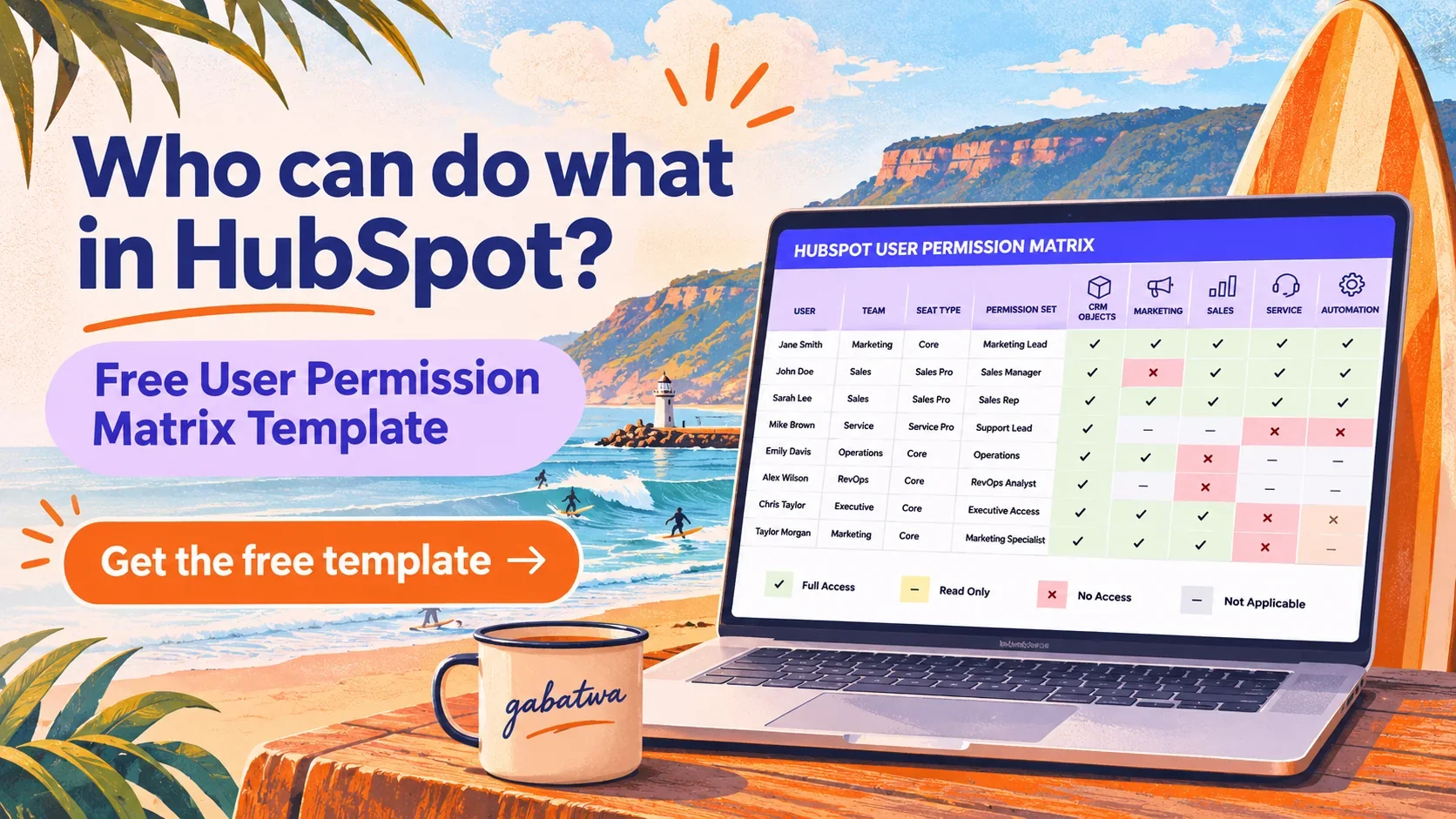
I've actually built a free template to help with exactly that.
FREE TEMPLATE: HUBSPOT USER PERMISSION MATRIX
Who can do what in your HubSpot portal?
Stop guessing which seats and permissions your team actually needs.
I've created a ready-to-use spreadsheet that helps you map users, teams, seat types, permission sets and access across HubSpot's key tools.
It covers CRM objects, Marketing, Sales, Service, Automation, Reporting, Breeze AI and account settings.
Useful for new implementations, permission clean-ups, onboarding and reviewing existing access before making changes.
What does this tell us about where HubSpot is heading?
This is the bigger story, in my opinion.
HubSpot is becoming a platform where businesses manage not just people and software features, but AI-assisted work and the usage required to perform it.
And this isn't happening in isolation.
In April 2026, HubSpot moved Customer Agent and Prospecting Agent towards outcome-based credit pricing.
In September, its Fall Spotlight pushed further into the idea of an AI-powered customer platform, with a rebuilt Breeze Assistant, more AI agents and a stronger emphasis on business context.
Then October brought more flexible seat-to-credit spending, credit limits and payment options.
Put those announcements together, and the direction becomes pretty clear.
HubSpot increasingly wants businesses to buy and measure work being performed, not just licences assigned to people.
There's a commercial logic to that.
If an agent can resolve customer enquiries or recommend prospects, HubSpot has a way to charge for that activity through credits.
If a business needs fewer human seats in one part of its operation, HubSpot now has a way to redirect some of that committed spending into those credit-consuming capabilities.
It's a clever evolution of the platform.
But there's also a tension worth acknowledging.
More flexibility doesn't automatically mean lower costs
Just because something is priced by usage or outcomes doesn't mean it's cheaper.
A fixed-price seat is relatively predictable.
Credit consumption depends on how frequently features run, how they're configured and what tasks are completed.
That's manageable if you're monitoring the numbers.
Less so if nobody is paying attention.
AI makes CRM quality and governance more important
HubSpot can build more intelligent agents.
But those agents still need business context, usable data, sound processes and appropriate access.
If your lifecycle definitions are inconsistent, your permissions are too broad and nobody agrees what qualifies a lead, AI doesn't magically fix that.
It might just make the consequences more interesting.
I think the businesses that benefit most from this next phase of HubSpot will be the ones that understand their operational foundations.
Not necessarily the ones that activate every agent first.
The relationship between people and software is changing
Traditionally, a HubSpot subscription conversation might have started with:
How many people need access?
Now it increasingly needs to include:
What work should people do? What work could AI assist with? What might an agent perform? And how do we measure whether the outcome is worth the cost?
That's a much more useful conversation.
It's also where RevOps, CRM architecture and AI enablement start becoming the same broader discussion.
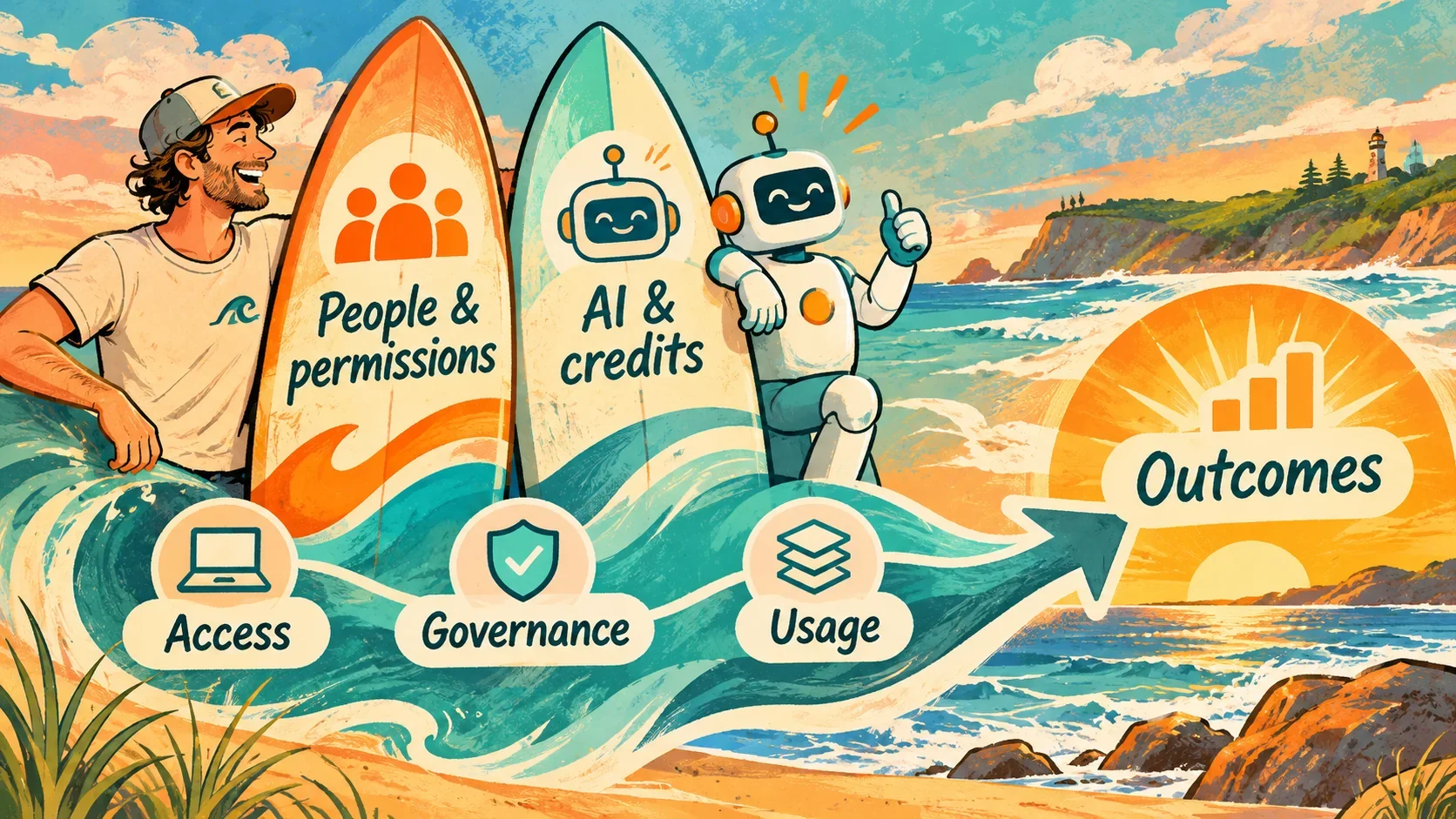
So, should you actually swap your unused HubSpot seats for credits?
Maybe.
But I'd start with a fairly straightforward review.
Step 1: Audit the current seats. Who has which seat? What are they using? Which seats are unassigned?
Step 2: Review permissions. What does each role genuinely need access to? What should they definitely not be able to change?
Step 3: Identify an actual AI opportunity. Is there something useful you could do with HubSpot Credits, or are you just looking for a reason to use them?
Step 4: Estimate usage and review costs. Check included credits, the feature's current credit rate, spending limits, subscription eligibility and the value available from the swap.
Step 5: Make the change only when it makes sense. Don't exchange seats you'll probably need again next month.
If you're unsure what should be included in a broader portal review, I've also written about what a strategic HubSpot audit should actually cover.
Because this isn't just a billing decision.
It's a question of whether your HubSpot setup still reflects how the business actually operates.
My take: More flexibility is good. More confusion isn't.
I like the direction of giving businesses more control over how they allocate their HubSpot spending.
A seat sitting unused while an AI pilot needs credits isn't a particularly efficient arrangement.
Having the ability to redirect some of that spending makes sense.
But the opportunity isn't simply to trade human seats for AI credits.
It's to understand where people are needed, where AI is genuinely useful and how the two should work together.
The goal should be better business outcomes, not just a different way of spending the same HubSpot budget.
And if your portal has years of accumulated permissions, unused seats and half-understood workflows?
I'd probably start there.
Before handing the keys to an AI agent.
Want help untangling your HubSpot setup?
I work directly with businesses across Wollongong, the Illawarra and Australia on HubSpot, RevOps and practical AI implementation.
Whether you need a seat and permissions review, a strategic HubSpot audit or help understanding how AI fits into your existing processes, I'm happy to work through it with you.
No pressure. No agency runaround.
Just a straightforward conversation about what you've got, what you need and what might actually be worth changing.
FAQ: HubSpot seats, permissions and AI credits
-
Yes. HubSpot allows eligible unassigned seats to be exchanged for HubSpot Credits or different seat types. The feature requires Super Admin access, and eligibility depends on the account's subscription and pricing model.
-
The seat must be unassigned before it can be swapped. You should first review the user's actual requirements, permissions and alternative seat options.
-
No. HubSpot states that credits received through a seat swap cannot be exchanged back into seats. If you need more seats later, you'll need to obtain them separately.
-
Yes. HubSpot Credits reset each monthly usage period, and unused credits do not roll over.
-
A seat determines access to the features available through your subscription. Permissions determine the actions a user can perform within that access, such as viewing, editing or deleting records and managing tools.
-
No. Credit consumption depends on the specific feature and action. HubSpot identifies credit-consuming features within the product, and available capabilities depend on your subscription.
-
Not necessarily. It can be useful when you have eligible unused seats and a measurable need for credit-consuming features, but overall value depends on your subscription, AI usage, credit rates and whether the seats will be required again.
Official HubSpot references
Product information reviewed November 2026. Availability, credit rates and subscription terms may change. Check your HubSpot account before making billing or access changes.