

You've been using HubSpot for a while. Leads come in, emails go out, deals move through a pipeline, and there are probably a few workflows nobody wants to touch.
But something feels off.
Reporting takes longer than it should. Different teams use the CRM differently. You've inherited properties with names that don't mean much. Or you're paying for HubSpot features and aren't sure whether they're doing anything useful.
That's usually when someone asks for a HubSpot audit.
A useful HubSpot audit isn't a checklist of settings. It's a review of whether your CRM supports the way your business actually works, followed by a prioritised plan to fix the gaps.
Here's what I'd look at, and what I think a business should get out of the exercise.
Start with the business, not the portal
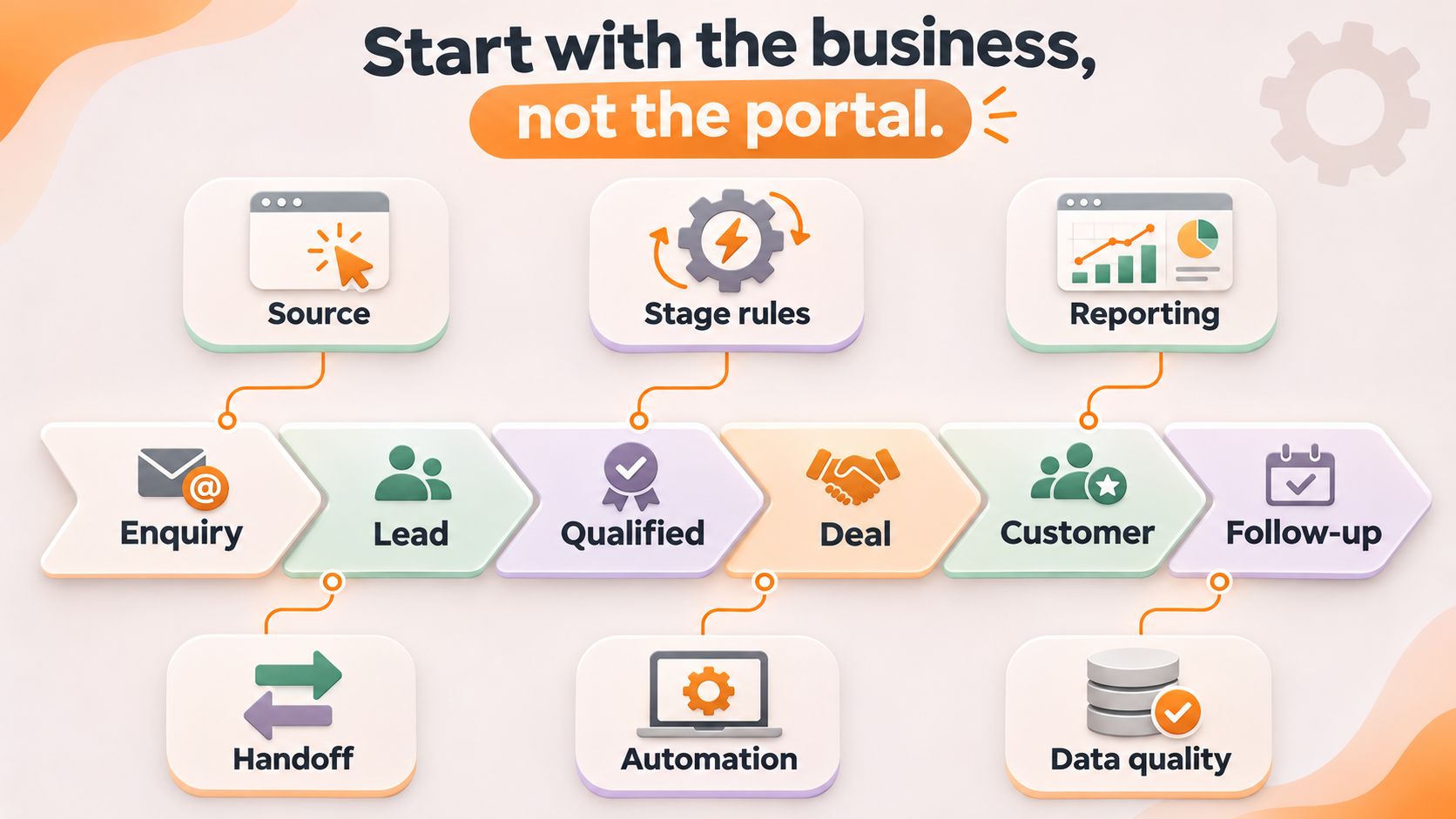
Before opening a property list or counting workflows, I'd want to understand a few things.
How does somebody become a lead? What needs to happen before they're a genuine opportunity? Who owns the follow-up? What happens after a sale? And which numbers does the leadership team actually use to make decisions?
If we don't understand that journey, we can't sensibly judge whether the CRM is configured well.
A technically tidy HubSpot portal can still be a poor fit for the business. Equally, a slightly untidy portal might be doing an excellent job. The point is to work out what matters.
1. CRM data quality and structure
Start with the foundations: contacts, companies, deals, leads (if you're using the Leads object), associations and the properties that connect them.
Look for duplicate records, missing values, inconsistent formats, unused fields and competing versions of the same information. Check whether the data is genuinely useful for segmentation, routing and reporting.
I'd ask: Can your team trust the information enough to act on it?
Deleting a few unused properties doesn't fix a broken data model. The audit needs to explain which data you actually need, why, and where it should live.
2. Lifecycle stages, lead management and pipelines
Next, walk through the real customer journey and compare it with what HubSpot says is happening.
What counts as a lead? What makes somebody qualified? When does a deal get created? Do your stages reflect actual changes in the relationship, or just things people click to make a report look right?
Check the definitions, ownership, entry and exit criteria, required information, and what happens to existing records if you change any of these.
Don't redesign lifecycle stages in isolation. A change here can affect workflows, reporting, attribution and hundreds or thousands of historical records.
3. Workflows, automation and integrations
Automations tend to accumulate. Someone solves a problem with a workflow. Six months later, another person creates a different workflow for nearly the same thing.
An audit should identify what each important automation is meant to achieve, what triggers it, which records it changes, and whether it's still needed.
Review integrations too. If HubSpot, your website, a payment system and a middleware tool all write to the same field, you need to know who wins.
The question isn't 'How much can we automate?' It's 'Which automations are making the operation better, and which are introducing risk or confusion?'
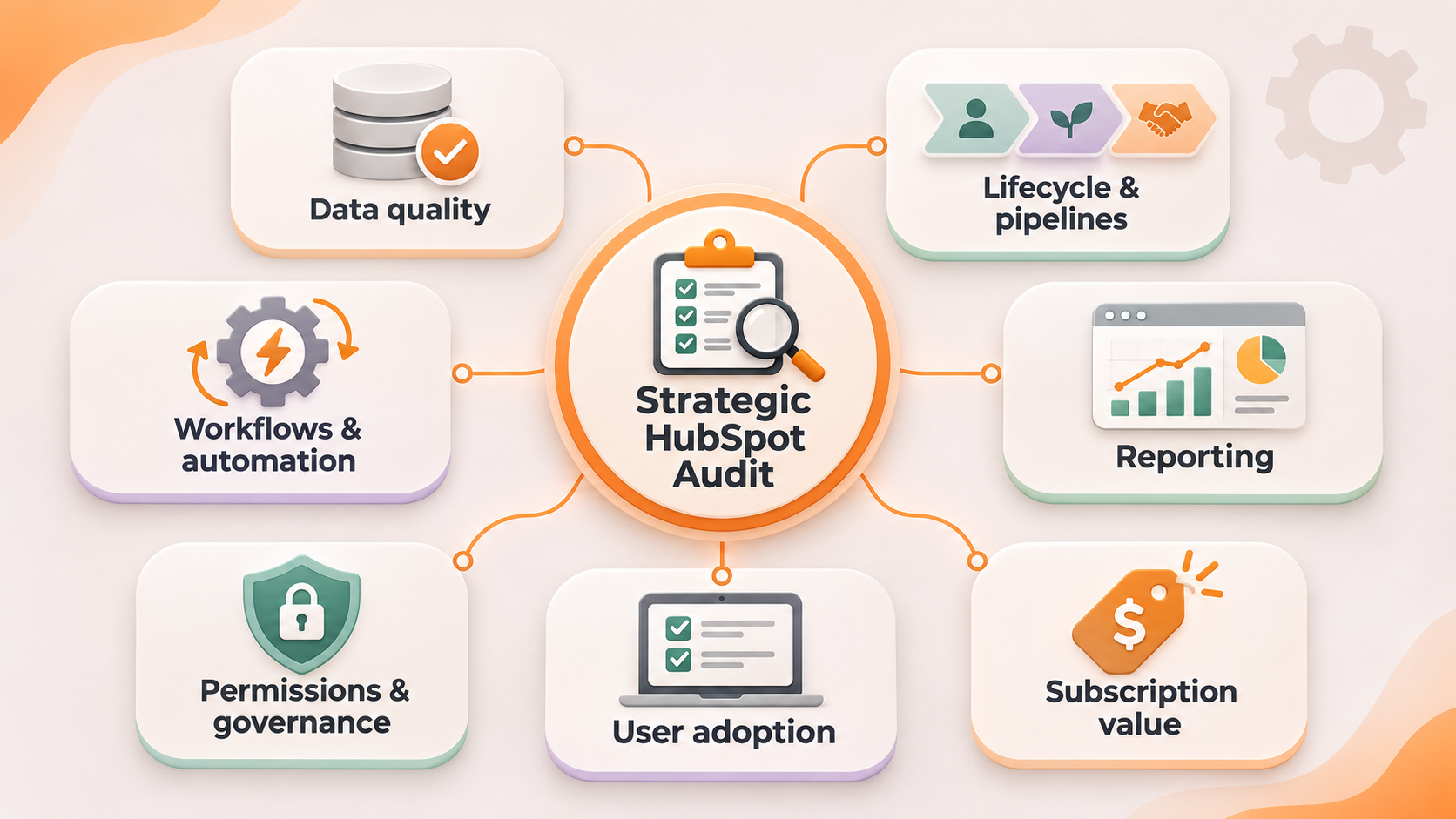
4. Reporting, attribution and decision-making
A dashboard with 30 reports isn't necessarily useful.
Take the questions your team actually needs answered and work backwards. Can you tell where good leads originate? How long it takes to convert them? Which opportunities are progressing? Why deals stall? Whether your campaigns contribute to meaningful results?
Then inspect the underlying definitions and data. If every team has a different interpretation of a qualified lead or conversion, polished charts won't help.
An audit should identify both the reporting gaps and the data/process changes required to close them.
5. Users, permissions and governance
Who can export contacts? Edit workflows? Change deal pipelines? Delete records? Alter CRM settings?
Your permissions should reflect the jobs people do, not just whether someone happens to be confident using HubSpot.
I'd review user access, licences and seats, governance for important fields, and who owns changes after the audit. This becomes even more important as teams introduce AI tools that can read from, or potentially act on, CRM data.
You don't need a forty-page policy. You do need some sensible boundaries.
6. Adoption and the actual user experience
One of the easiest things to miss in a technical audit is how people feel about using the platform.
Speak to the people entering data, working leads, managing deals and building reports. Watch how they complete everyday tasks.
Are record layouts showing the right information? Is data entry unnecessarily painful? Are people keeping their own spreadsheets because they don't trust what they see?
If the team won't use the proposed setup, it doesn't matter how clever the architecture is.
7. Subscription value and opportunities you're missing
Finally, look at what you're paying for and what you're actually getting.
Which features are in use? Which are available but overlooked? Are there tools outside HubSpot doing jobs it could already handle? Are you paying for complexity you don't need?
This isn't automatically an argument to upgrade or downgrade. It's an argument to make an informed decision about value.
What should you receive after a HubSpot audit?
Not just a list of 150 things that are technically imperfect.
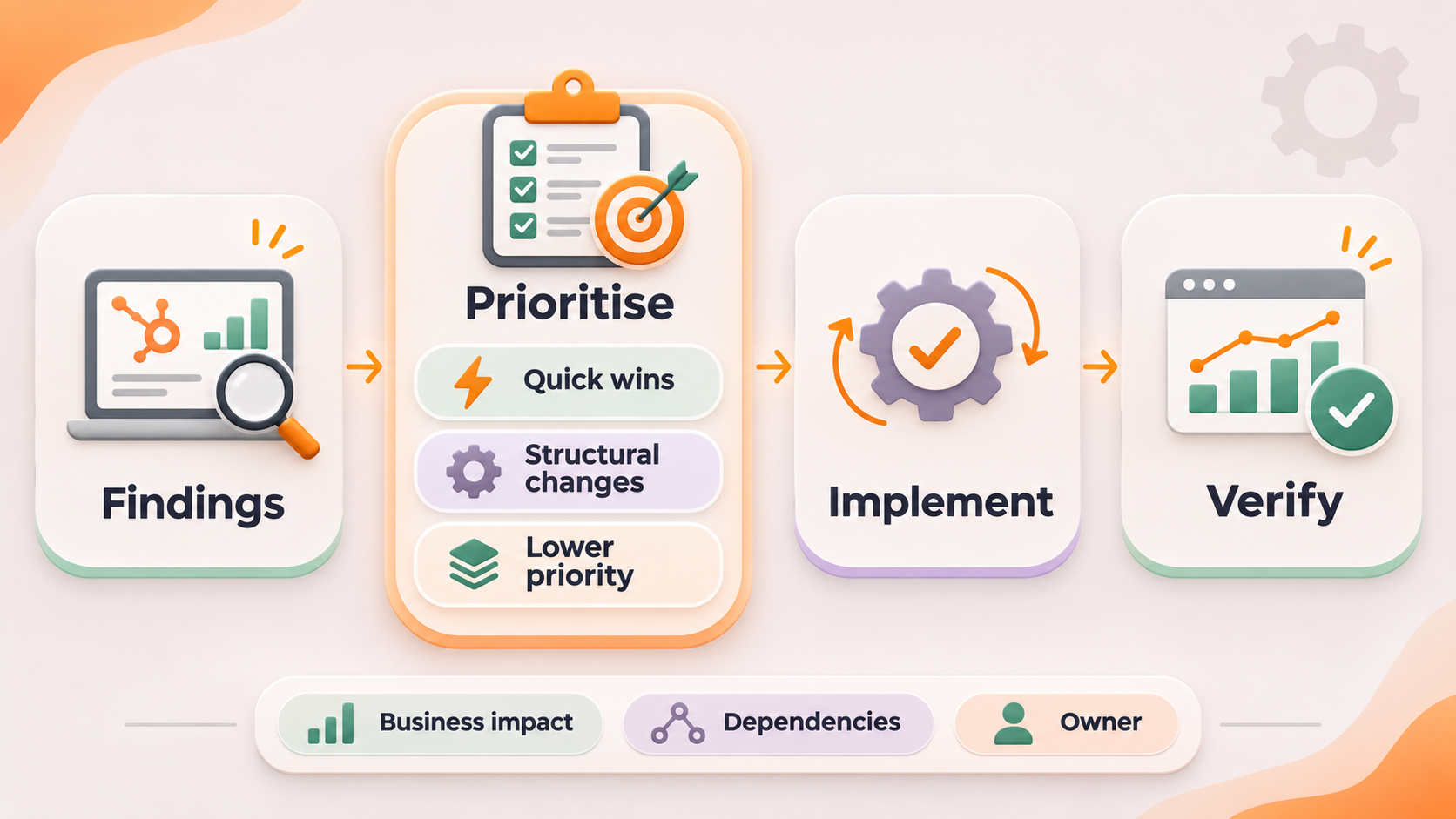
I'd expect a useful audit to leave you with:
- A clear current-state picture: what's working, what's not and where the biggest risks sit.
- An explanation of the business impact: why each finding matters to the customer journey, team or reporting.
- A prioritised backlog: what to fix first, what can wait and what might not be worth fixing.
- Dependencies and safeguards: which changes affect automations, historical data, integrations and reporting.
- A practical implementation plan: who needs to decide what, what resources are required and how you'll verify the changes helped.
And I'd separate quick wins from structural work. Renaming a field is one thing. Rebuilding lifecycle definitions across an established database is another.
Can AI help with a HubSpot audit?
Absolutely, in the right role.
AI can help compare your documented processes with how a CRM is set up, organise large inventories of fields and workflows, identify inconsistencies and turn findings into a more useful action plan.
But give it the business context first. A generic prompt asking an AI to 'audit my HubSpot' is likely to return a generic list of best practices. Your business doesn't need more generic best practices. It needs someone to understand what you're trying to achieve.
For sensitive data and system changes, check access permissions and keep review and approval steps in place. AI can accelerate the investigation; it shouldn't silently make production changes because a checklist told it to.
When is it time for an audit?
I'd look seriously at an audit if you've been using HubSpot for twelve months or more and:
- reporting takes too much manual work;
- your team doesn't trust the records;
- lead handoffs or lifecycle stages aren't clear;
- workflows or integrations have become hard to understand;
- your CRM no longer reflects how you sell or service customers; or
- you're paying for a tier of HubSpot without knowing the return.
You might not need a full rebuild. You might need a half-day review, a handful of decisions and a sensible clean-up plan.
That's a perfectly good outcome.
Want to try the approach yourself?
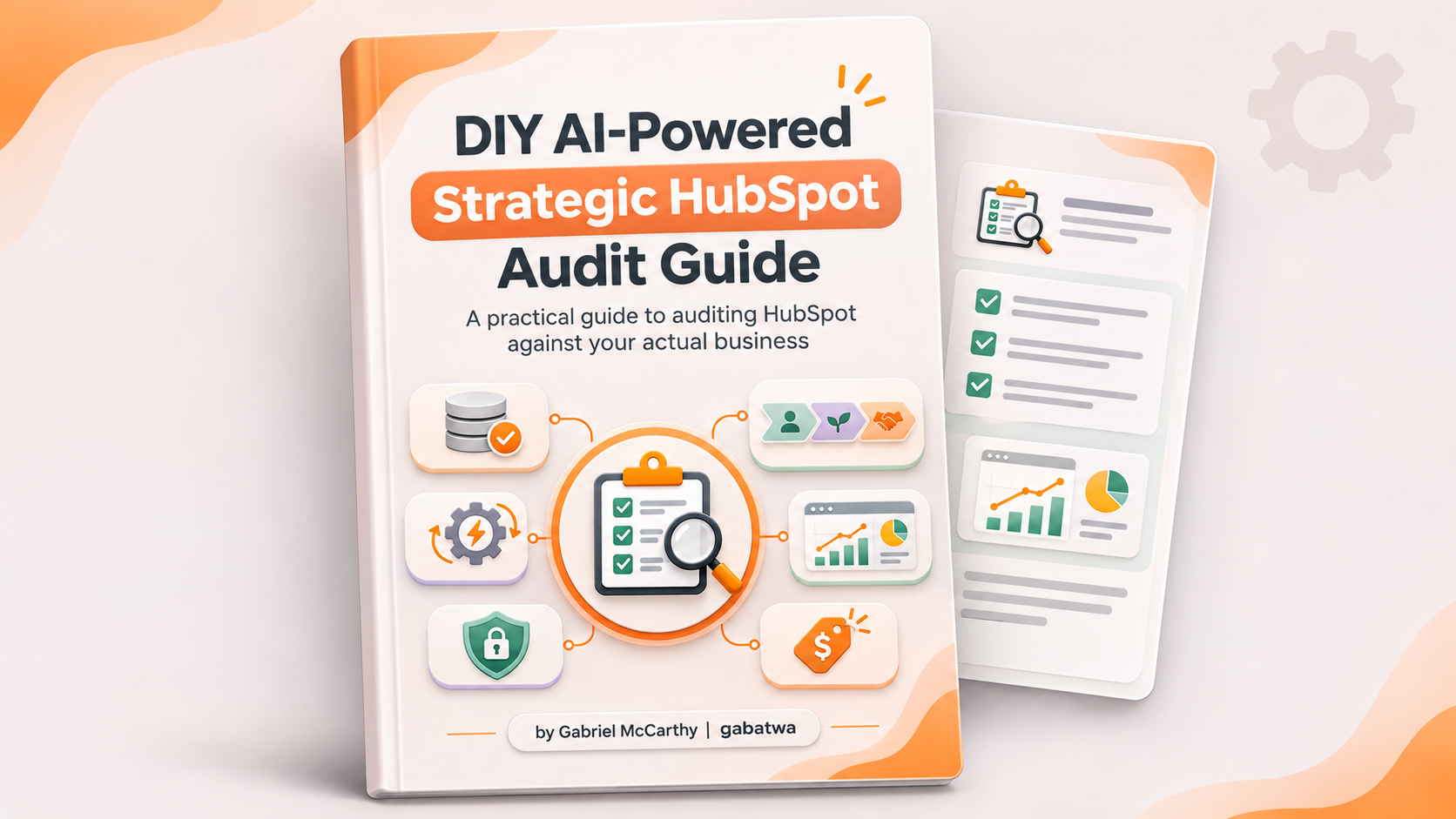
I've put together a free DIY AI-Powered Strategic HubSpot Audit Guide. It's designed to help you give an AI assistant the context it needs to assess HubSpot against your actual business, not against an arbitrary 100-point checklist.
Get the free DIY Strategic HubSpot Audit Guide below…
I'm based in Wollongong and work directly with teams across the Illawarra and Australia.
No agency runaround. Just a look at what's happening, why it matters and what I'd do next.
If you'd rather get another set of eyes on the portal, book a chat below with me.
FAQ: Frequently asked questions
-
It depends on the size of the portal, the number of hubs, integrations and workflows, and how much of the business process needs mapping. A focused review can be much smaller than a complete operating-model assessment. Agree the scope and expected deliverables first.
-
Not necessarily. Data problems may be part of what the audit needs to uncover. Avoid broad deletions or lifecycle changes before you understand downstream dependencies.
-
No. A technical health check examines configuration and hygiene. A strategic audit also asks whether the system supports your customer journey, operating processes, team adoption and commercial reporting.
-
Usually the first step is to understand what is broken and why. Often the right solution is clearer processes, better data and targeted fixes rather than another platform migration.